What Afia is
Afia is the health app in your pocket. The public site says it in French and Arabic. You use one app. You open the role that matches who you are.

These Product pages exist in English, French, and Arabic so the communication team can reuse the same situations.
The store signs you in and opens the role that matches your account. This section tells you what you can do in that app. It does not list servers, paths, or class names.
Screens on these pages come from the design export in AFIA-resources. They show the app. Where the store is smaller than the picture, the caption says so.
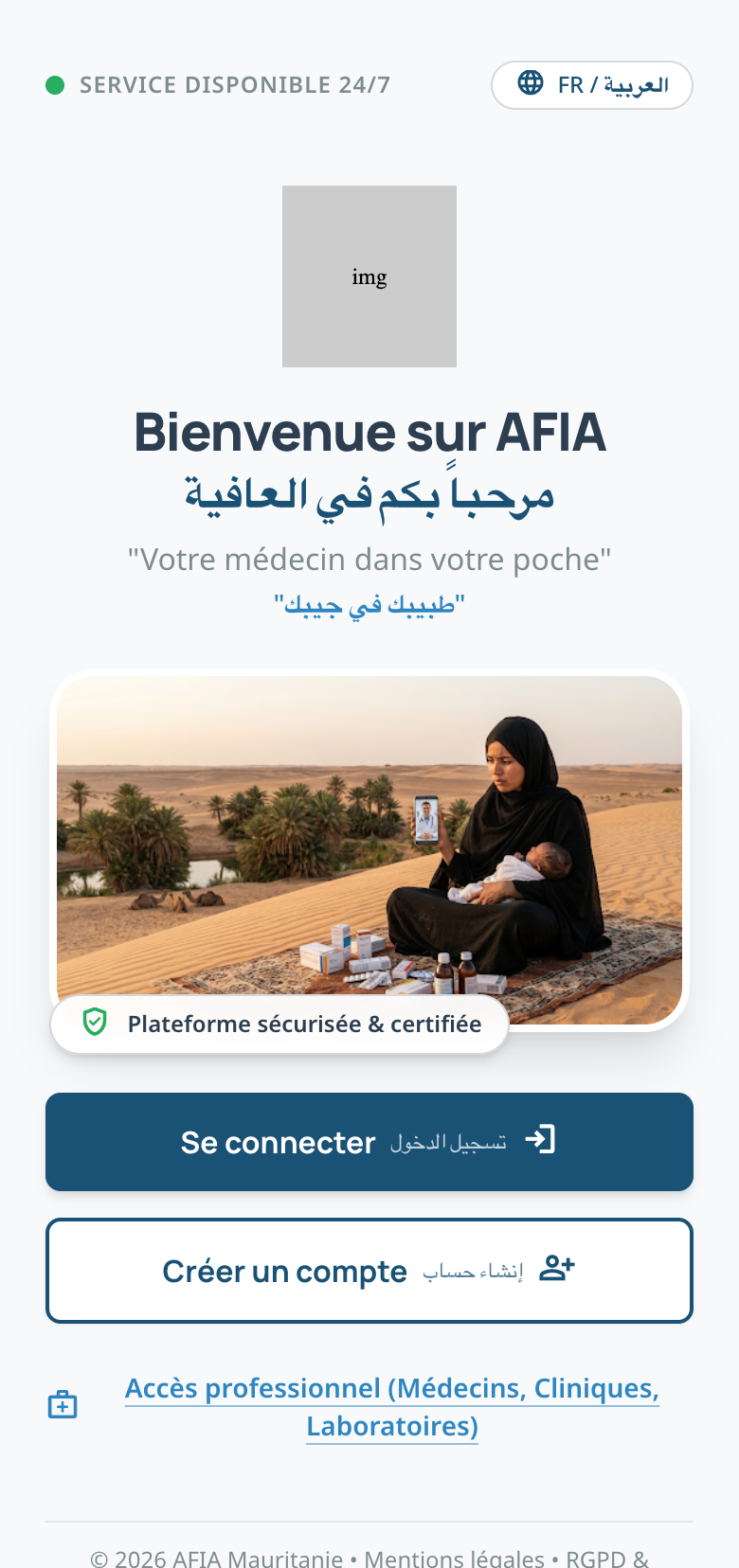
The picture shows French and Arabic together. The store shows one language at a time, and sign-in asks for a phone and a code.
Who it is for
| You are | You come to Afia to |
|---|---|
| A patient | See a clinician, book a visit, and follow your health |
| A clinician | See your patients, write the visit, and keep your agenda |
| Imaging staff | Receive imaging work and read the exams |
| Lab staff | Follow analyses and publish results |
| Clinic staff | Keep the staff list and the clinic settings |
Admin does not appear on the public landing cards. It is still a role in the same app.
How to read these pages
Each page is a set of situations. A situation is something you need to get done. If a situation is not available yet, the page says so in plain words. A screen sits under a situation only when the export has one that matches.
Store legal pages stay on the public site. Use those pages to read privacy, terms, support, and account deletion.
Technical maps live under Tech. Implementer briefs live under Agent.
Validate the app
Validate the app is the checklist. Install the TestFlight or Play internal-test build, then mark each step.